
Your contact page, always up to date.
One link with your name, photo, contact info, and socials. People can save your contact in one tap. Sign in any time to update your details. Use it on its own, or connect it to a smart card or keychain.
We make smart products and simple contact pages. Use one, or both together.
QR scan NFC tap No app needed
Great for reviews · menus · booking · contact info · portfolios
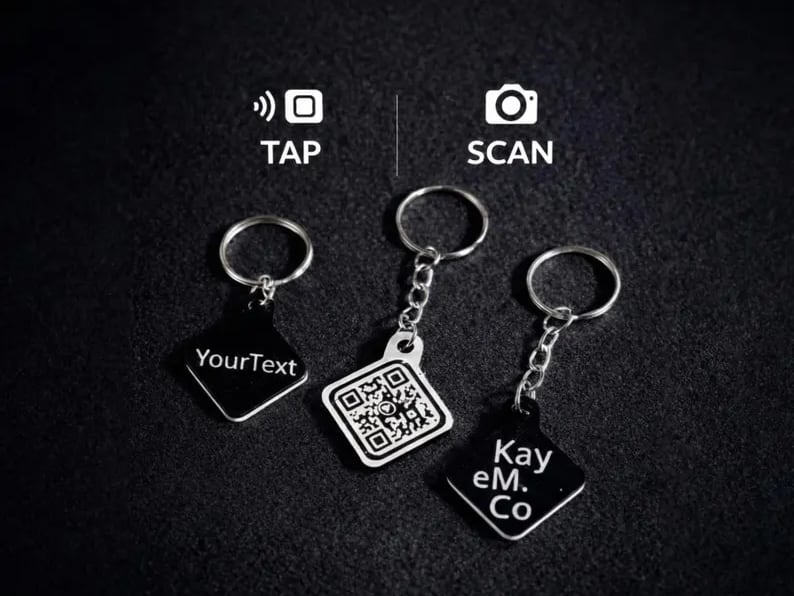
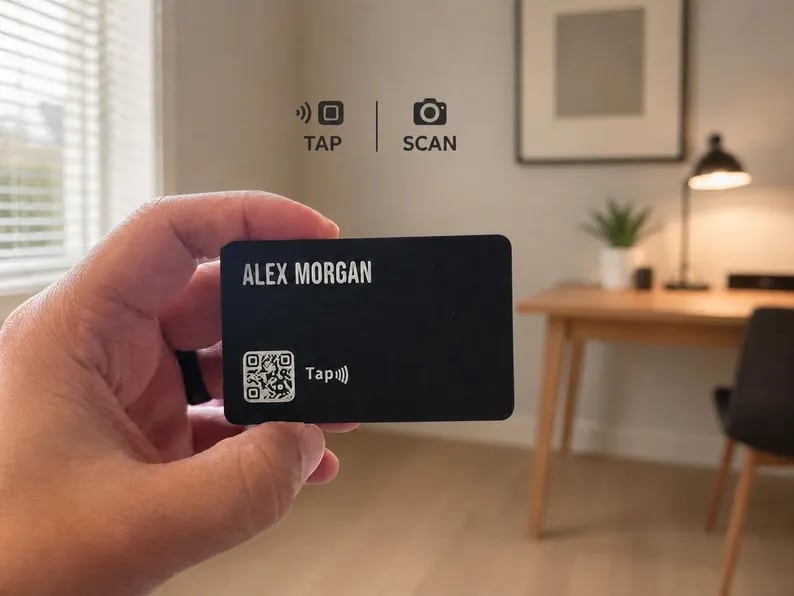
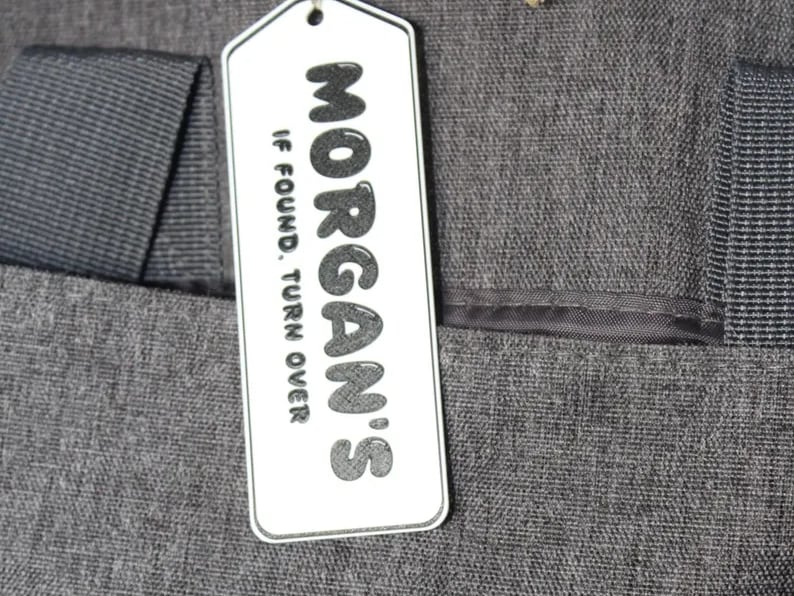
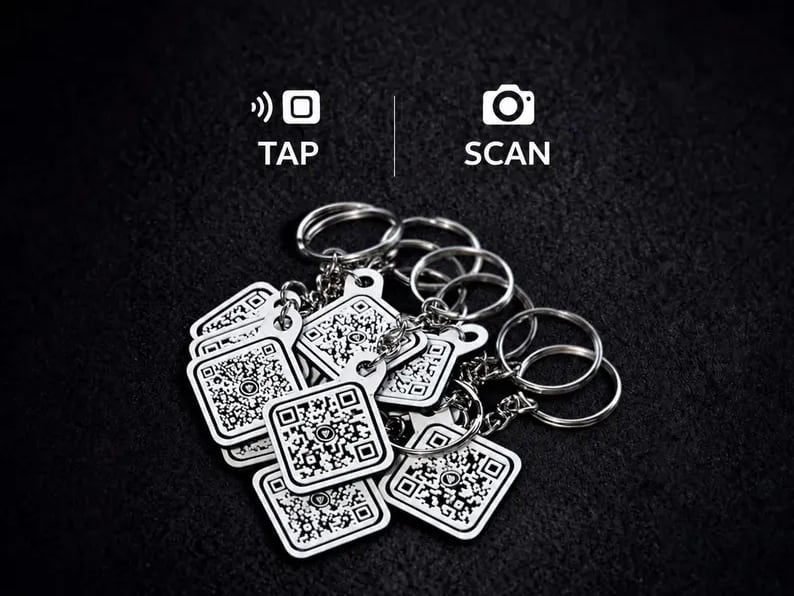
Use cases
Use it to send people to reviews, booking, menus, contact info, portfolios, social links, or a custom page.
Open a listing, booking calendar, or your contact card so clients can reach you straight from a sign or business card.
Send clients to your booking page, price list, or reviews. Perfect for the front desk or your station mirror.
Share your portfolio, gallery, or print store so people can browse and book on the spot.
Open your menu, daily specials, or review page right at the table. Use a Kayem-hosted link if you want to change the destination later without reprinting.
Point fans to your music links, ticket page, or event details. Great for merch tables and flyers.
A photo gallery, message page, or playlist that loved ones open with a tap. A keepsake that actually does something.
Four simple steps
Send us your link. We'll handle the setup.
Step 1
Start with a smart product, a hosted page, or both.
Step 2
Use a website, review link, menu, booking page, or contact page.
Step 3
We print it, program it, and test it. For custom designs, you approve a proof first.
Step 4
They open your link with their phone. No app needed.
Popular ways to get started
These are our most popular starting points, not the whole catalog. Choose QR, NFC, both, or ask us to build a simple page for you.
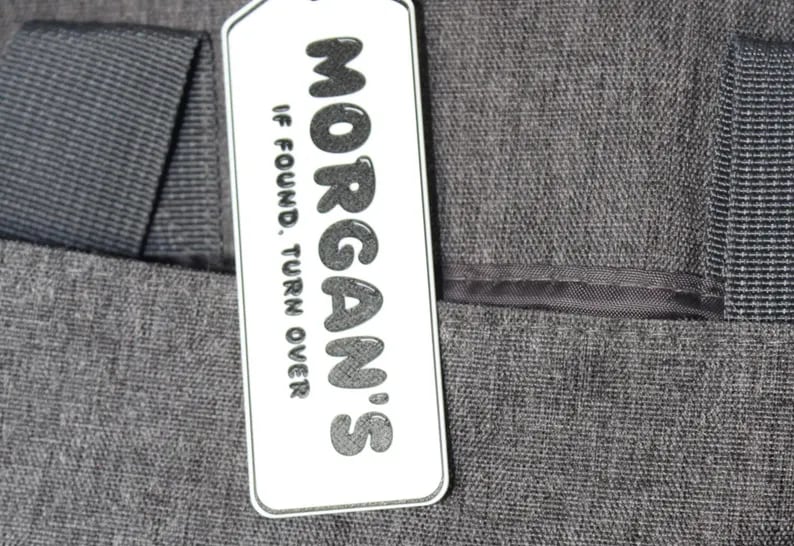
Privacy-friendly QR + NFC tag that helps a finder contact you without putting your private details on the tag.
See price on Etsy
View on Etsy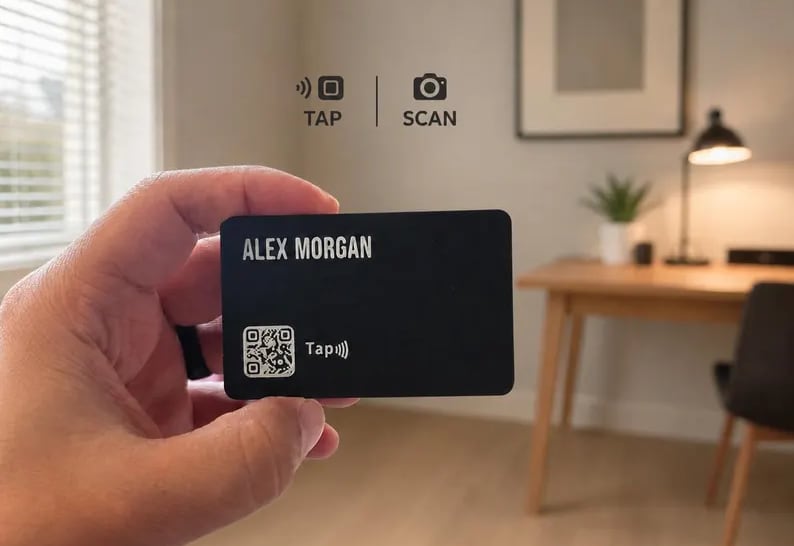
A physical smart business card with NFC tap and QR scan options for networking, sales, contact sharing, or a custom contact page.
See price on Etsy
View on Etsy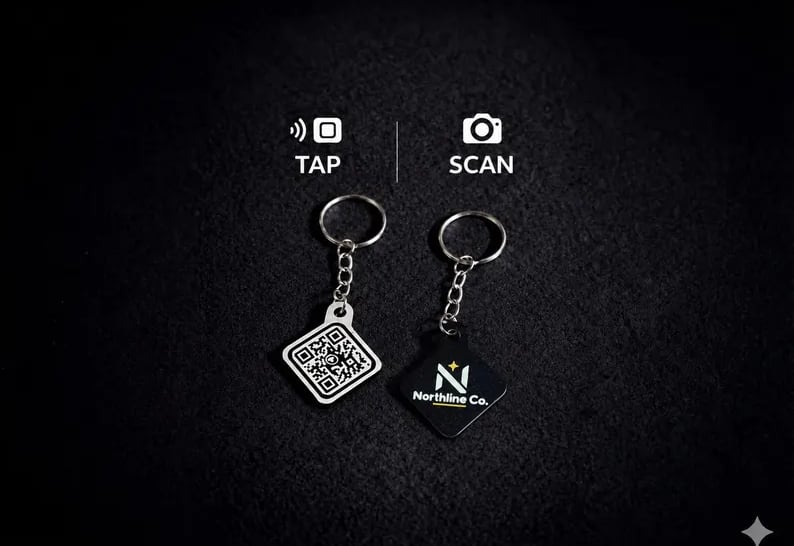
Put your logo and link on a custom tap-or-scan keychain for your business or brand.
See price on Etsy
View on Etsy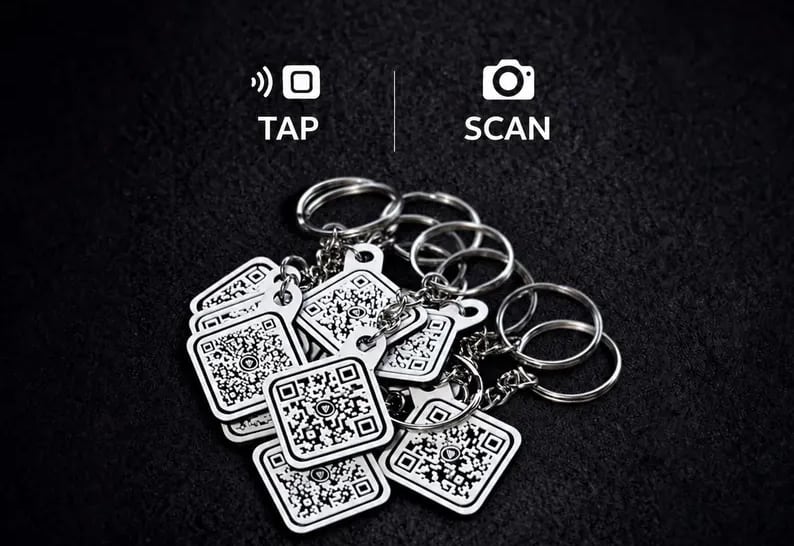
Matching custom keychains for teams, businesses, events, and organizations.
See price on Etsy
View on EtsyOrdering for a team or event? Request a custom order. · Browse the full catalog
Pages & Services
Start with an editable Kayem Contact Page. Update your contact info, links, and socials without replacing your QR code or NFC product.
One link with your name, photo, contact info, and socials. People can save your contact in one tap. Sign in any time to update your details. Use it on its own, or connect it to a smart card or keychain.
Need something different? We also take on custom page projects. Tell us what you need and we’ll see if it’s a good fit.
Use a page you already have, or pair your product with a Kayem Contact Page.
Let people book a time or request an appointment.
View demoShow your best work in a clean gallery.
View demoSend happy customers straight to leave a review.
View demoA tidy, always-current menu for your tables.
View demoSave your number, email, and links in one tap.
View demoUsing your own direct link? The physical code points straight to that destination.
Using a Kayem-hosted link? The physical product can usually stay the same if the destination needs to change later.
Custom, business & bulk
From team orders to one-off designs, we can help build something that fits what you need.
Matching custom keychains for teams, businesses, events, and organizations.
Learn moreMatching smart cards for teams, with editable Kayem Contact Pages.
Learn moreNeed several matching Contact Pages for a team or organization? We can help set them up.
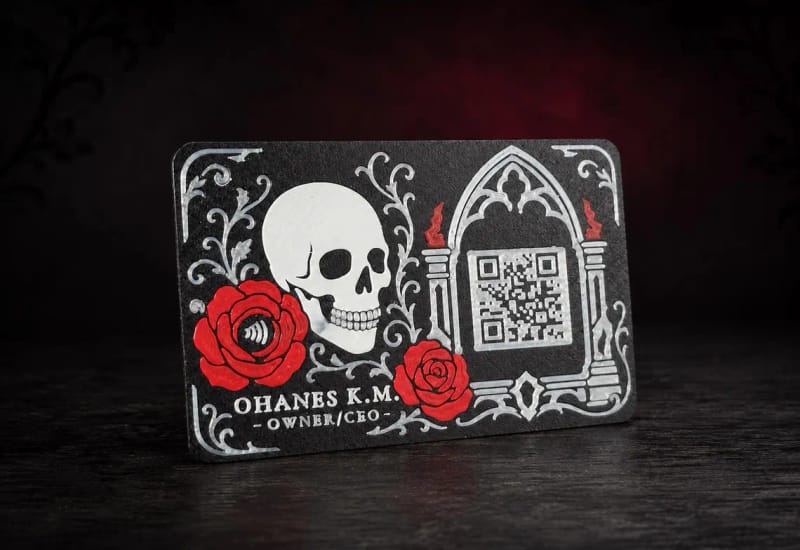
Learn moreWe also take on one-off designs, themed cards, signs, and unusual QR/NFC projects. Tell us what you're trying to make and we'll see what fits.
Ask About a Custom Project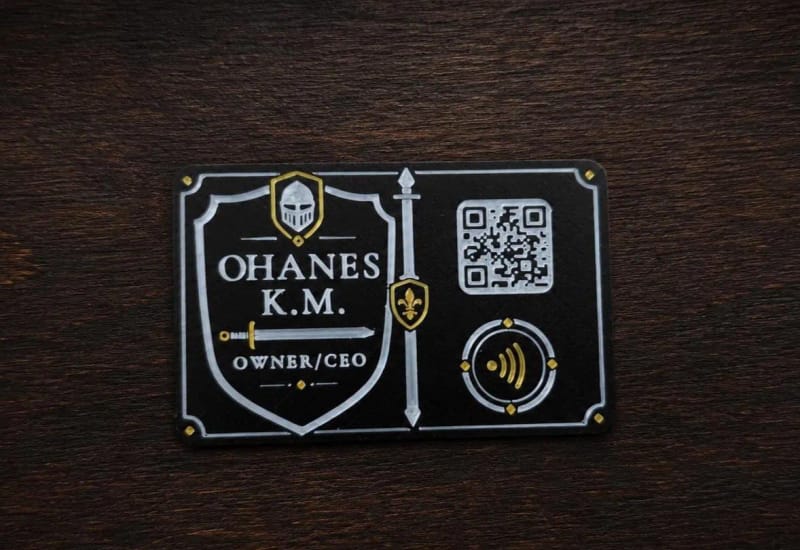
Why people choose us
We're a small shop, and every order is made one at a time. We set up your link and test it before it ships.
“Products came in on time and work and look exactly as they should. Will definitely look into ordering the custom business card in the future”
Harrison · Small Business Keychain · Sep 27, 2026
“Very fast delivery! Ordered and shipped out practically next day!”
Carrie · Large Keychain · Sep 28, 2026
“Great communication. Sent me a picture to see if I approved. Fast shipment. Keychain works and I can not wait to use it with my customers.”
Deborah · Small Business Keychain · Sep 16, 2026
“Great to work with, got us our nfc/qr code tags extremely quickly. Better than expected, have already shared the link to this product with 2 other small business owners!”
Abbey · Small Business Keychains · Sep 16, 2026
“Amazing customer service!”
Linh · Smart Business Card · Sep 25, 2026
“Everything was as expected from the standard that this company set my 1st time around. Quality craftsmanship, fair pricing and received in a timely manner.”
JP · Custom QR Sign · Sep 5, 2026
“OMG I love this tested works great. cant wait to utilize this at the festival. These are the worth all the hype!”
Missa · Small Business Keychain · Sep 2, 2026
“Great communication! I absolutely love the product.”
Vosky · Small Business Keychain · Sep 19, 2026
Your product arrives ready to use. We set up your link before it ever ships.
Each piece is 3D printed and finished by us, one order at a time.
We check the scan and tap before it leaves, so you know it works.
Choose your setup
Choose QR to scan, NFC to tap, or both together. QR opens with a phone camera; NFC opens with a hold near a compatible phone.
Open the camera, point it at the code, and tap the link that appears. Most modern iPhone and Android phones can scan QR codes directly without a separate app.
Hold it near the top of a compatible phone and your link opens, no camera needed. It's the quick, modern way to share.
Yes. Most recent iPhones read NFC tags automatically when you tap. No app and no setup needed. Older phones may not, which is why many of our products pair NFC with a QR code as a reliable backup.
On products that include a QR code, they can scan it with their phone camera instead. If you expect a wide mix of phones and people, choose a product with both tap and scan.
It depends on how your product is set up. If it uses a Kayem-hosted or forwarding link, we can usually change where it goes later without replacing the physical product. A direct fixed QR code cannot be changed after printing, and a directly programmed NFC setup may also be fixed depending on how it was configured.
No. Your keychain or card can open anything you already have: a booking page, social profile, Google review link, or menu. If you do not have a page, we can host or build one for you.
Yes. We can host a contact page you can edit yourself, or build a simple page for booking, links, a menu, or reviews. A hosted page works on its own, or we can program a QR/NFC product to open it.
Absolutely. We make batches for teams, events, and businesses. Reach out for custom orders and we will help with quantities and matching links.
QR is scanned with any phone camera. NFC opens with a hold near a compatible phone, no camera needed. Choosing both gives people a tap plus a visible scan option. The right setup depends on the product and how you plan to use it.
Tell us what you want to share, and we'll help you choose the right setup.